
Webhooks
Manage webhook endpoints from the Dashboard and review their deliveries.
The Webhooks screen (inside Developers) is where you register and manage the endpoints Tonder sends real-time notifications to when an event occurs (a payment changes status, a settlement completes, etc.), without your system having to poll the API constantly.
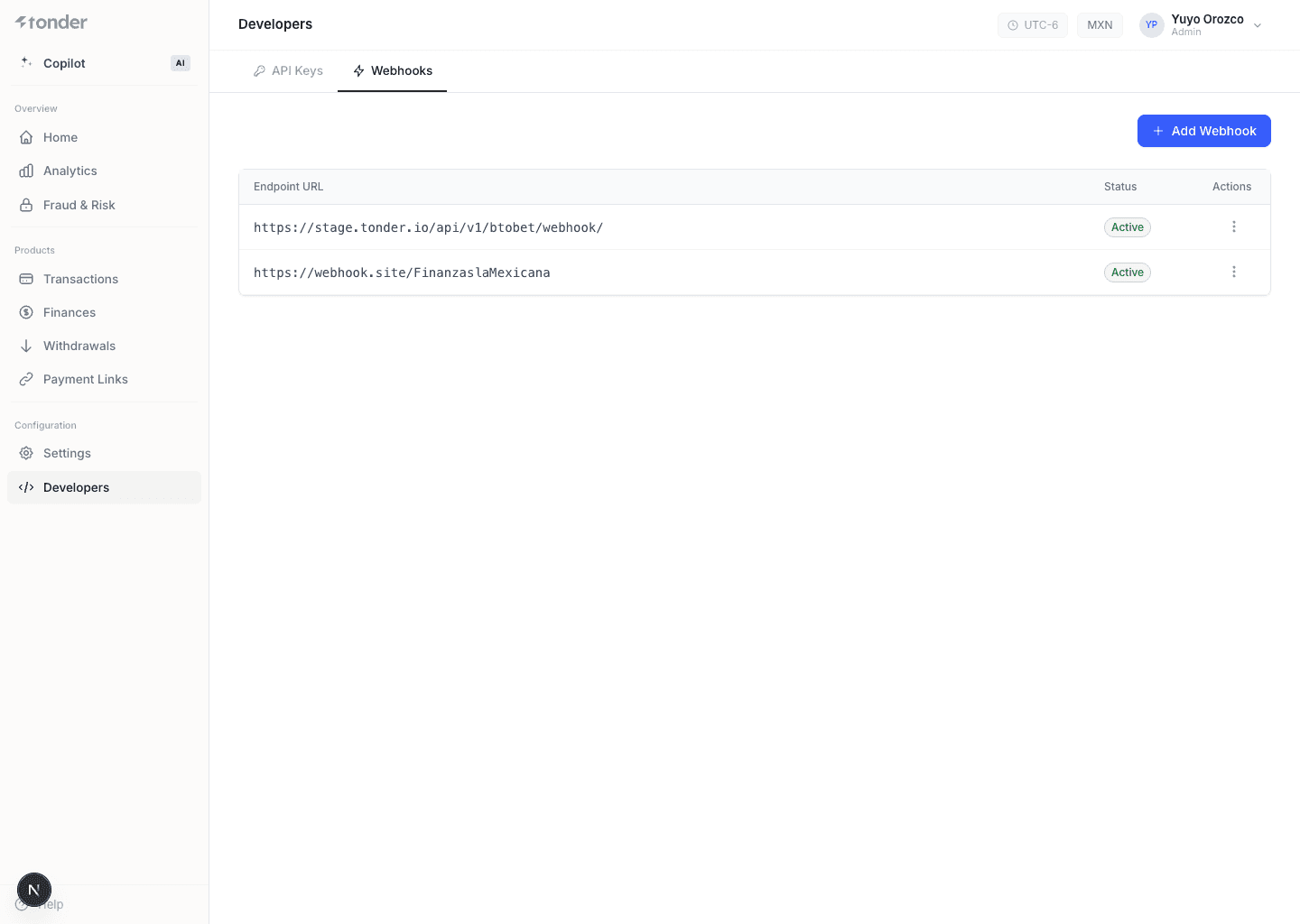
What you can do here
- Add an endpoint (URL) that will receive events.
- Test the connection (Tonder sends a verification request on save).
- View the status and delivery history of each endpoint.
- Edit or delete an endpoint.
Add a webhook
Go to Developers → Webhooks.
Click + Add Webhook, enter your endpoint URL, and confirm it.
When you add a webhook URL, Tonder sends a first request to confirm the connection works. You can use webhook.site to test.
This screen documents dashboard management. For payload formats, the event catalog, deduplication, and the retry policy, use the Webhooks section.
Formats, events, and delivery (API)
How it works
Webhook model and formats.
Setup
Register and manage endpoints.
Events catalog
Which events exist and their payloads.
Delivery & retry
Retries, deduplication, and idempotency.